
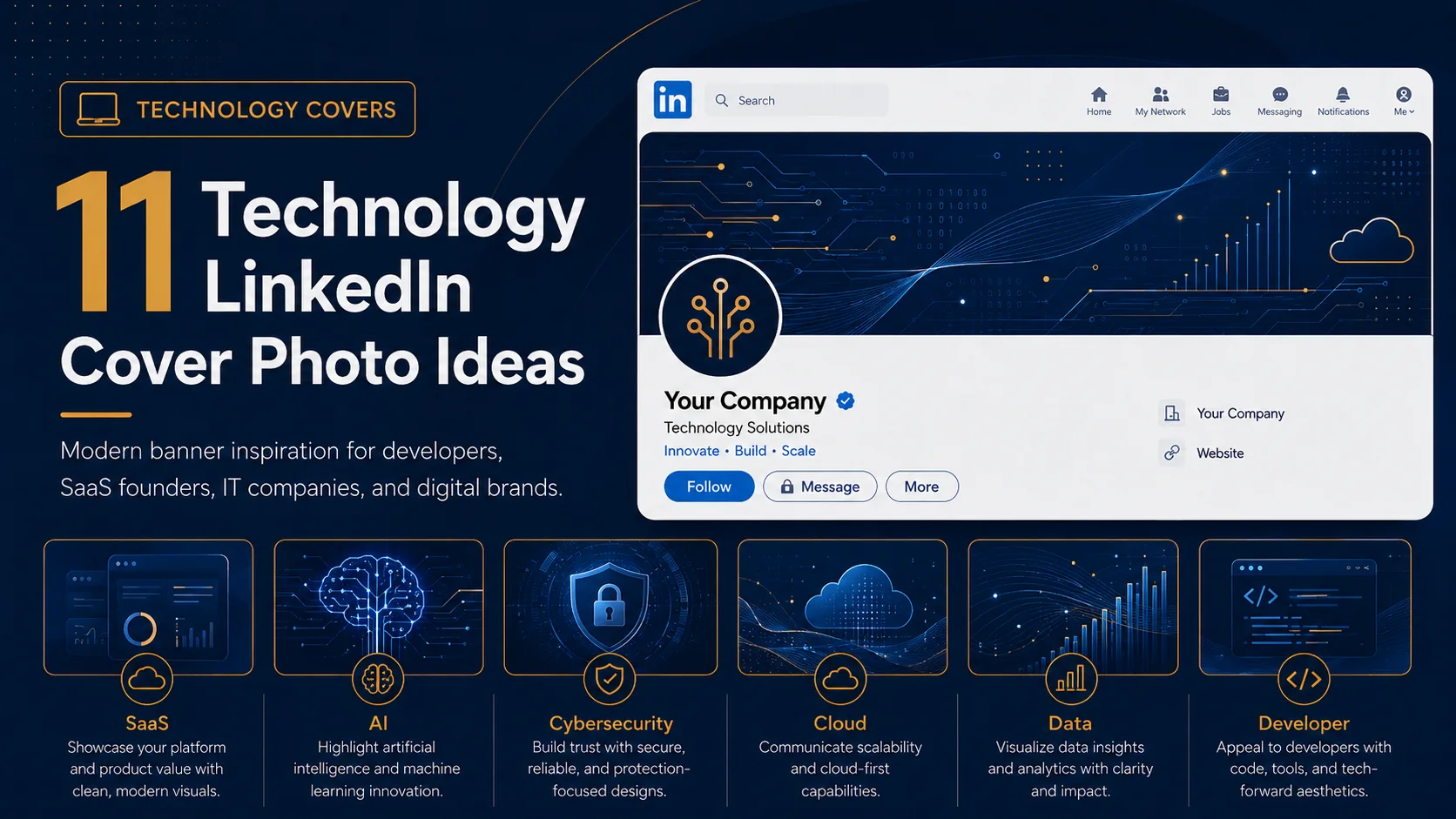
Technology LinkedIn cover photos can make your profile look sharp, modern, and future-focused. They are useful for software developers, SaaS founders, IT consultants, cybersecurity professionals, data analysts, AI specialists, digital agencies, and product teams.
The challenge is that tech banners can easily become too generic. A random circuit board image or code background may look digital, but it may not explain what you actually do. The best technology cover photos combine a modern visual style with a clear professional message.
Use these ideas as inspiration if you want your LinkedIn profile or company page to feel more technical, credible, and current.
Quick ideas in this guide
Before you choose a LinkedIn cover photo style
Before picking any visual direction, think about what you want your LinkedIn profile to communicate. A banner should not only look attractive. It should help visitors understand your personality, industry, value, or brand position quickly. The best designs usually have one clear message, strong spacing, readable text, and a visual style that matches the rest of the profile.
1. Circuit pattern background

Circuit patterns instantly suggest technology, systems, and connectivity. They work well for IT services, electronics, cybersecurity, and software profiles.
Design tip: Keep the circuit lines subtle so the text remains readable.
2. SaaS product banner
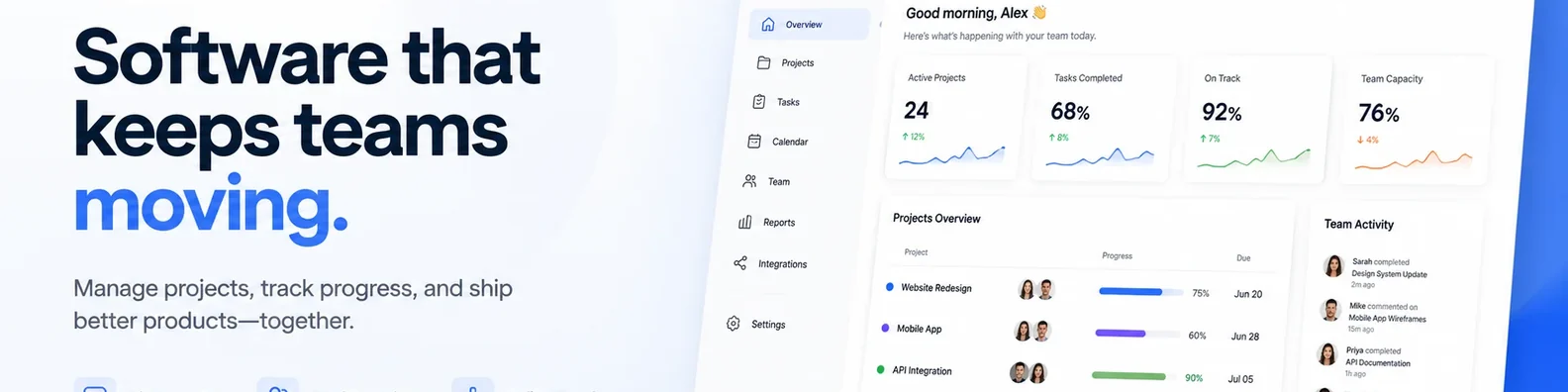
If you work with a software product, use the banner to communicate what the product does. You can include a simplified interface, product category, or main benefit.
Design tip: Focus on the outcome, not every feature.
3. AI and automation theme

AI-focused professionals can use abstract data lines, glowing nodes, or automation-inspired visuals. This creates a modern feel without needing a literal robot image.
Design tip: Pair the visual with a clear phrase like “AI Workflow Automation for Growing Teams.”
4. Developer portfolio banner

Developers can use a clean banner to show their role, tech stack, portfolio URL, and specialty. This can make the profile more useful for recruiters and clients.
Design tip: Use code as texture, not as the main message.
5. Cybersecurity cover

Cybersecurity profiles need trust. Dark backgrounds, shield shapes, lock icons, and secure network patterns can create the right tone.
Design tip: Avoid fear-based visuals that look too dramatic.
6. Cloud services theme
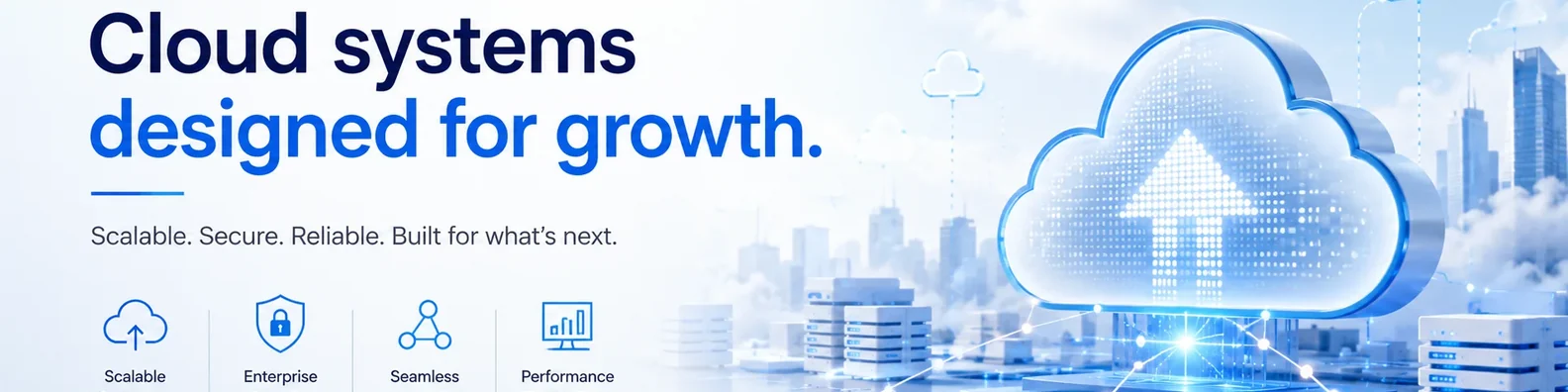
Cloud consultants, DevOps professionals, and managed IT providers can use cloud shapes, network lines, and system diagrams to show their area of work.
Design tip: Keep the design simple and avoid overloading with icons.
7. Data analytics layout
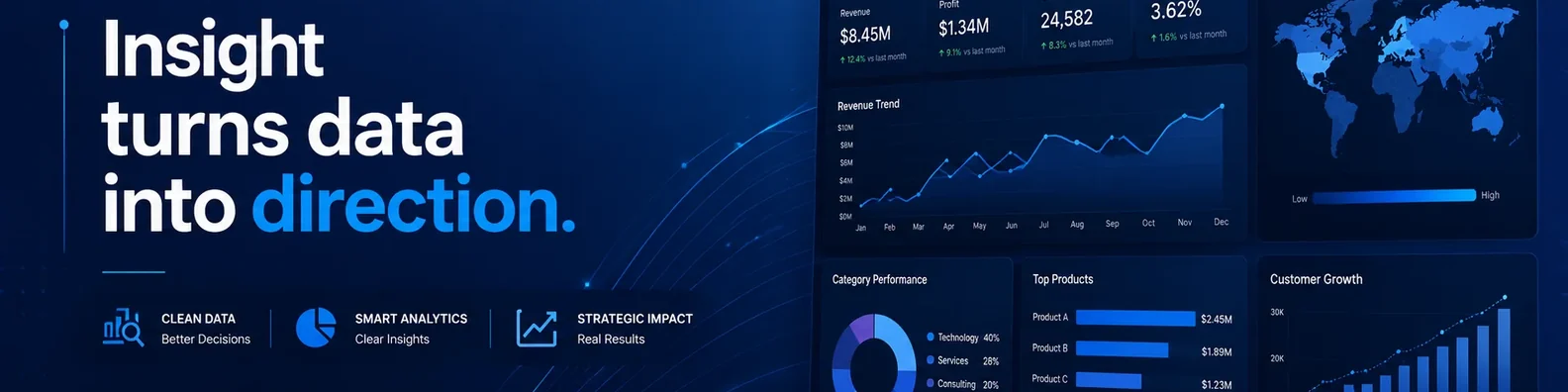
If your work involves data, dashboards, reporting, or business intelligence, use charts, graphs, or clean data visuals. This helps visitors understand your analytical focus quickly.
Design tip: Use realistic chart shapes instead of random upward arrows.
8. Startup founder cover
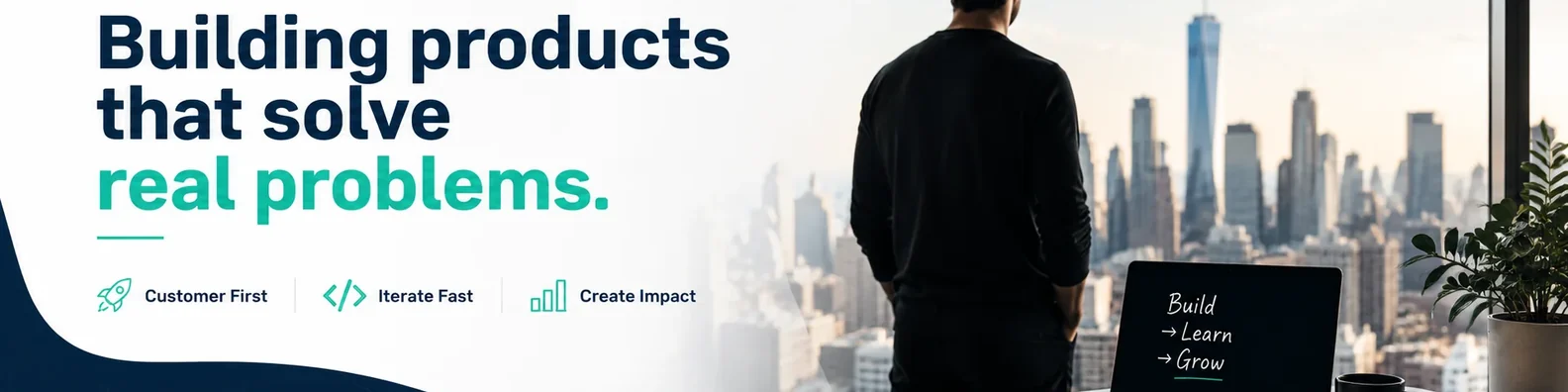
A startup founder banner can include the company mission, product category, and a modern tech background. It should feel ambitious but still clear.
Design tip: Make the message understandable to non-technical visitors.
9. Digital agency design
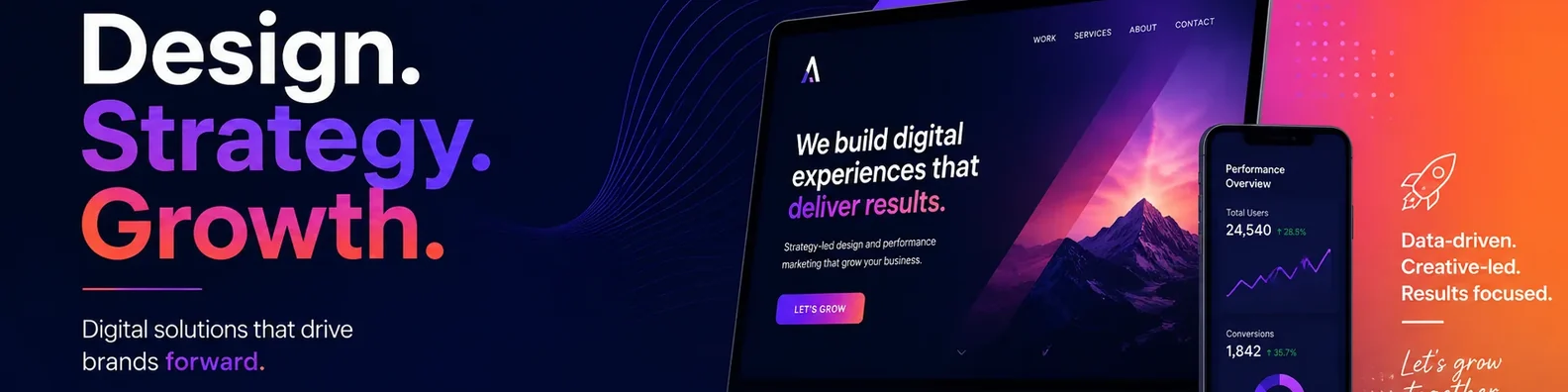
Digital agencies can combine technology visuals with service categories like web design, automation, SEO, content, analytics, and paid ads.
Design tip: Use three or four services maximum.
10. Minimal code background
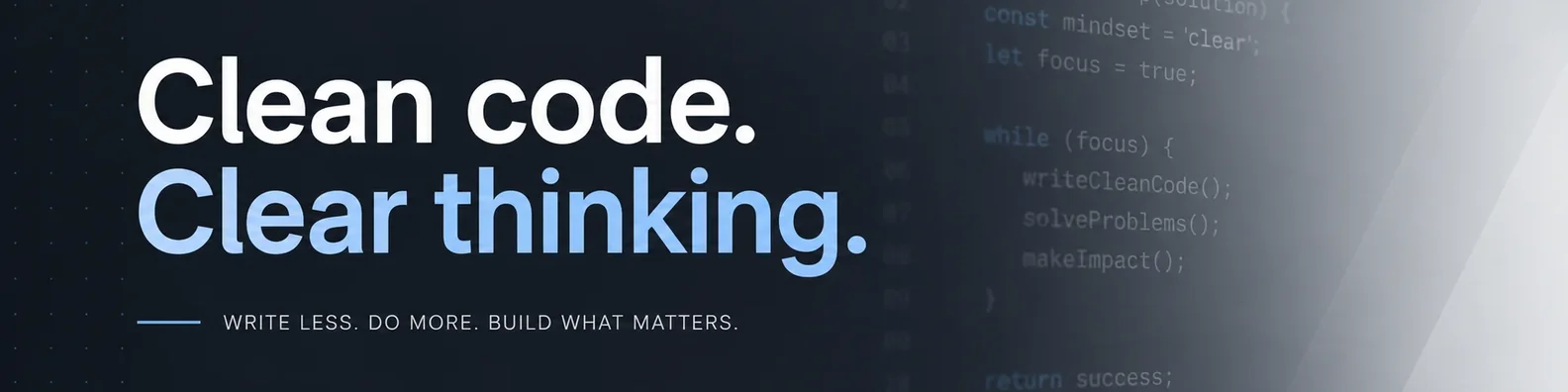
A faint code pattern can work well for engineers, developers, and technical writers. It adds context without distracting from the main headline.
Design tip: Use low contrast code so it does not fight with the text.
11. Future-ready abstract tech

Futuristic shapes, glowing gradients, and digital grids can create a modern look for AI, SaaS, and innovation-focused brands.
Design tip: Balance the futuristic style with a simple headline.
How to make this style work on LinkedIn
No matter which idea you choose, keep the design simple enough to read at a glance. Avoid placing important text close to the edges because LinkedIn can crop banners differently on desktop and mobile. Use strong contrast between the text and background, and keep your main message short. If you include a logo, website, or call to action, make it secondary to the main headline.
It is also worth checking your banner after uploading it. Open your profile on desktop and mobile to make sure the important parts are still visible. A design can look perfect in a design file but feel too tight once it appears inside LinkedIn.
Final thoughts
A technology LinkedIn cover photo should feel modern, but it should also be clear. Use the design to explain your area of expertise and make your profile easier to understand.
If you want a cover photo that matches your brand and fits the LinkedIn layout properly, a custom design can help you turn this space into a useful part of your profile instead of leaving it blank or generic.