
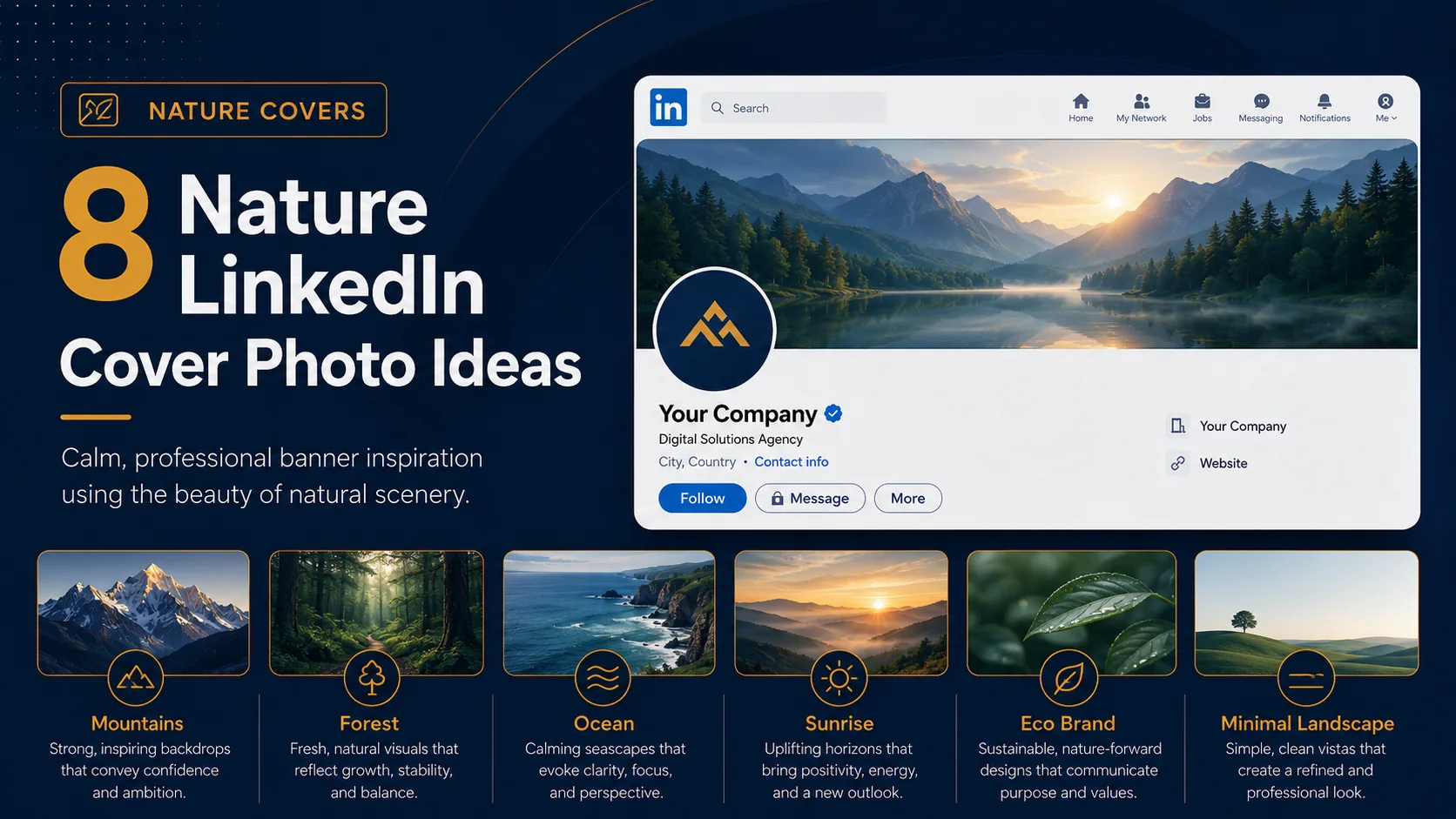
Nature LinkedIn cover photos can make a profile feel calm, grounded, fresh, and approachable. They are a great fit for outdoor enthusiasts, wellness professionals, coaches, sustainability brands, travel creators, environmental consultants, and anyone who wants a profile that feels less corporate but still professional.
A nature banner can also work well when your personal values are part of your brand. Mountains can suggest ambition and endurance. Forests can suggest growth and balance. Oceans can suggest clarity and calm. The right natural image can say something about you without using too many words.
The important thing is to keep the banner professional. A nature cover should not look like a random vacation photo. It should be carefully cropped, readable, and connected to your profile message.
Quick ideas in this guide
Before you choose a LinkedIn cover photo style
Before picking any visual direction, think about what you want your LinkedIn profile to communicate. A banner should not only look attractive. It should help visitors understand your personality, industry, value, or brand position quickly. The best designs usually have one clear message, strong spacing, readable text, and a visual style that matches the rest of the profile.
1. Mountain background
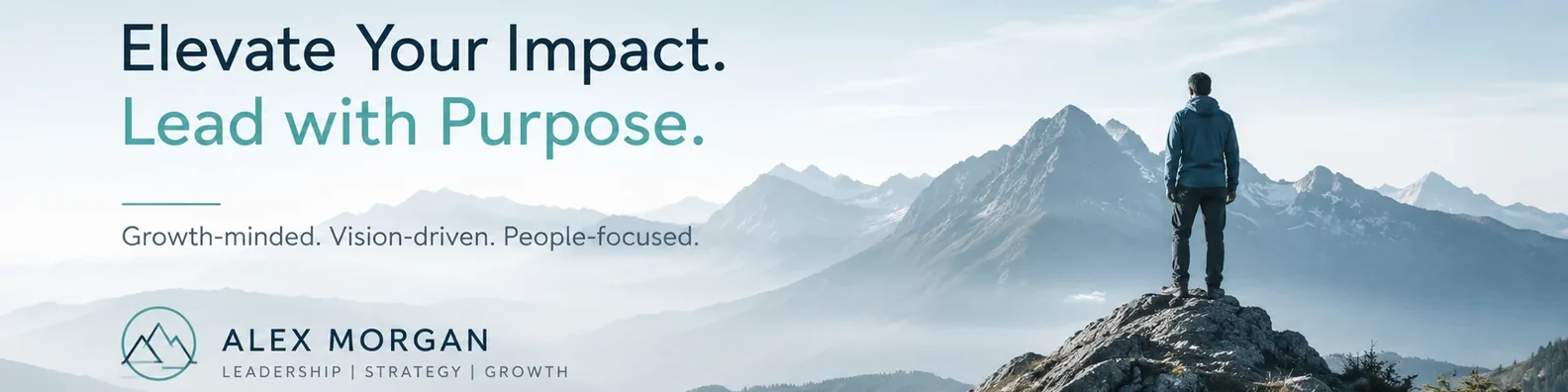
Mountains can communicate ambition, strength, discipline, and long-term vision. This is a strong choice for leaders, coaches, founders, consultants, and professionals who want their profile to feel focused and aspirational.
Design tip: Use a wide mountain image with your headline placed in the sky or another clean area.
2. Forest and greenery
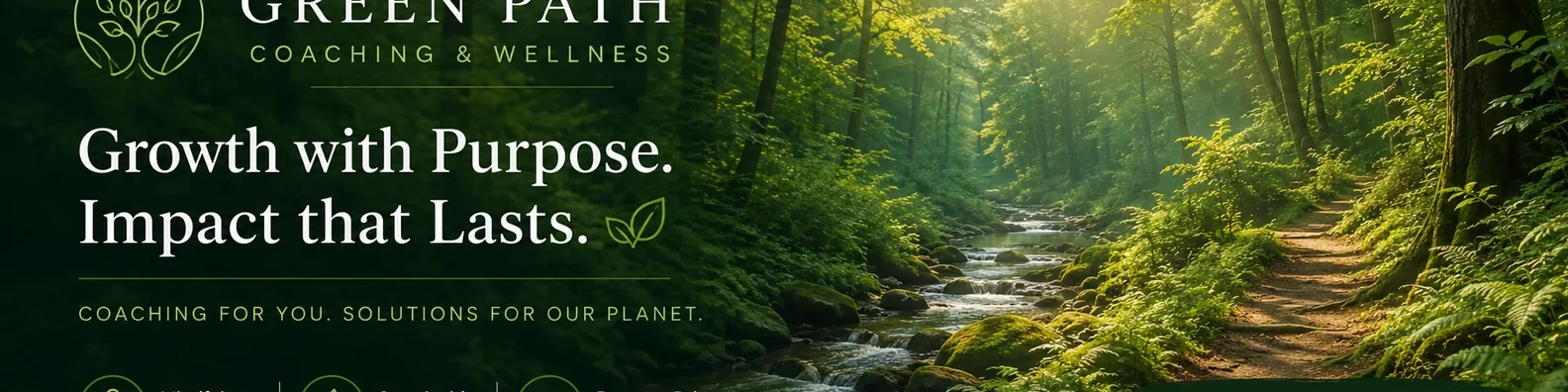
Forest backgrounds create a feeling of calm growth. They work well for wellness coaches, environmental professionals, sustainability brands, HR consultants, and people-centered service providers.
Design tip: Choose a forest image with soft light and avoid backgrounds that are too dark or busy.
3. Ocean and water scenes
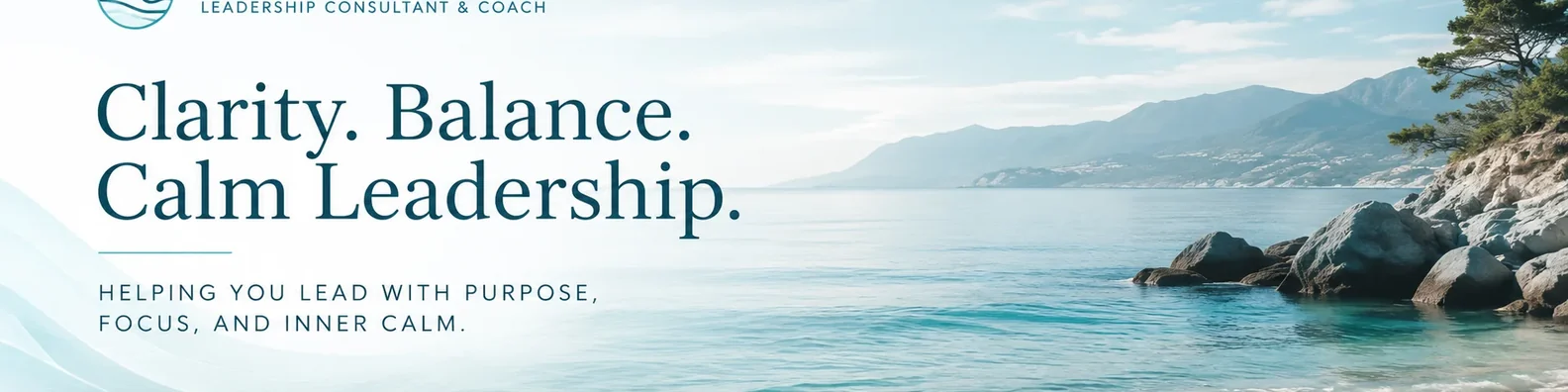
Ocean visuals can make a profile feel clear, balanced, and open. This style is useful for coaches, consultants, writers, creatives, and leaders who want a calm professional presence.
Design tip: Use simple text and keep the design airy.
4. Sunrise or horizon image
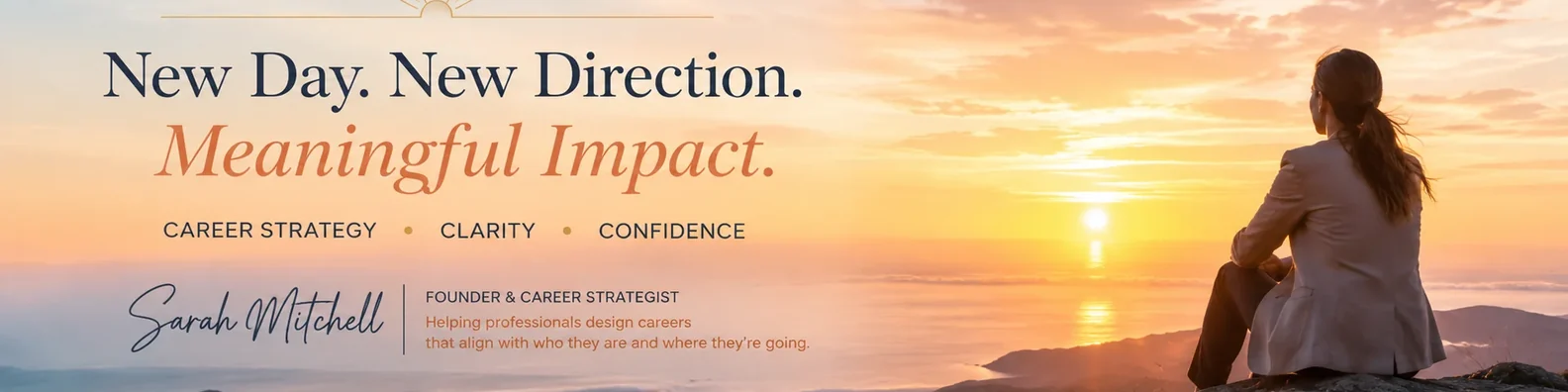
A sunrise can represent growth, change, opportunity, and forward movement. It can be a good banner choice for career coaches, startup founders, and professionals going through a brand refresh.
Design tip: Avoid overly dramatic filters. Keep the colors natural and professional.
5. Nature with brand overlay
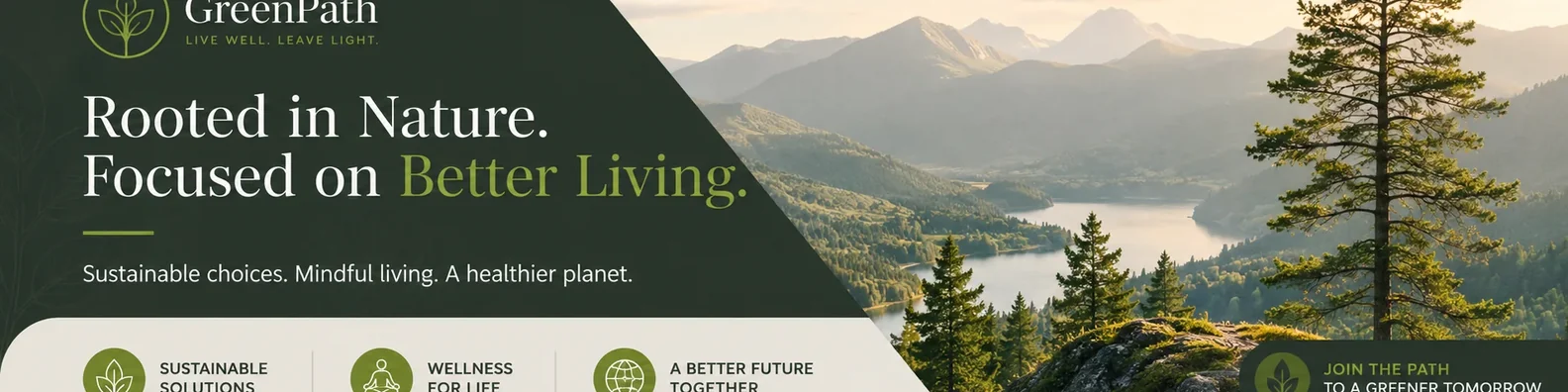
You can combine a nature image with your logo, brand colors, and short headline. This makes the banner feel more intentional than a plain landscape photo.
Design tip: Use a dark or light overlay so the text stays readable.
6. Minimal landscape banner
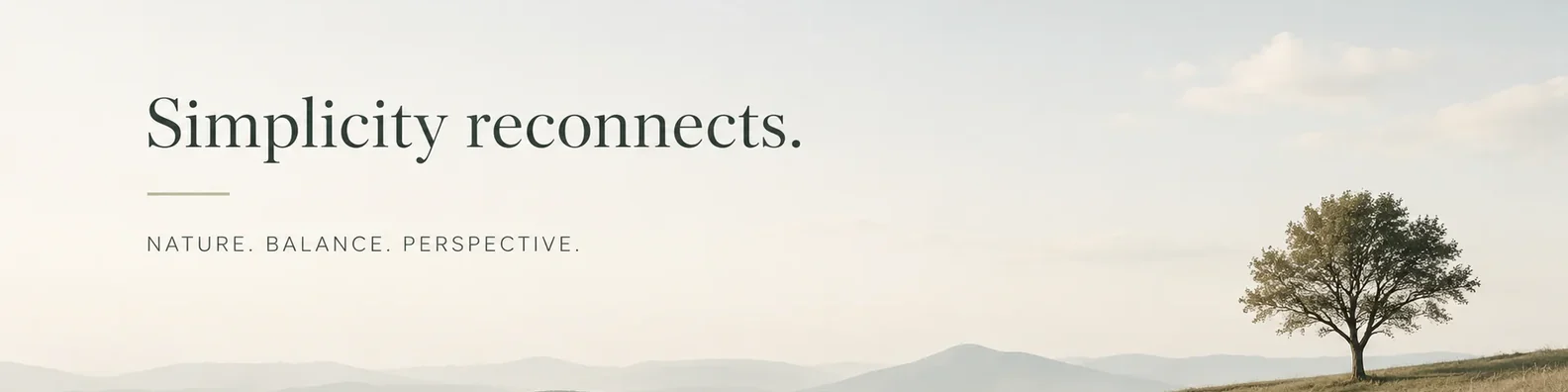
A wide landscape with very little text can be elegant. This works well if your profile headline already explains what you do and you want the banner to add personality rather than repeat information.
Design tip: Use one short line or no text at all.
7. Eco-friendly business cover
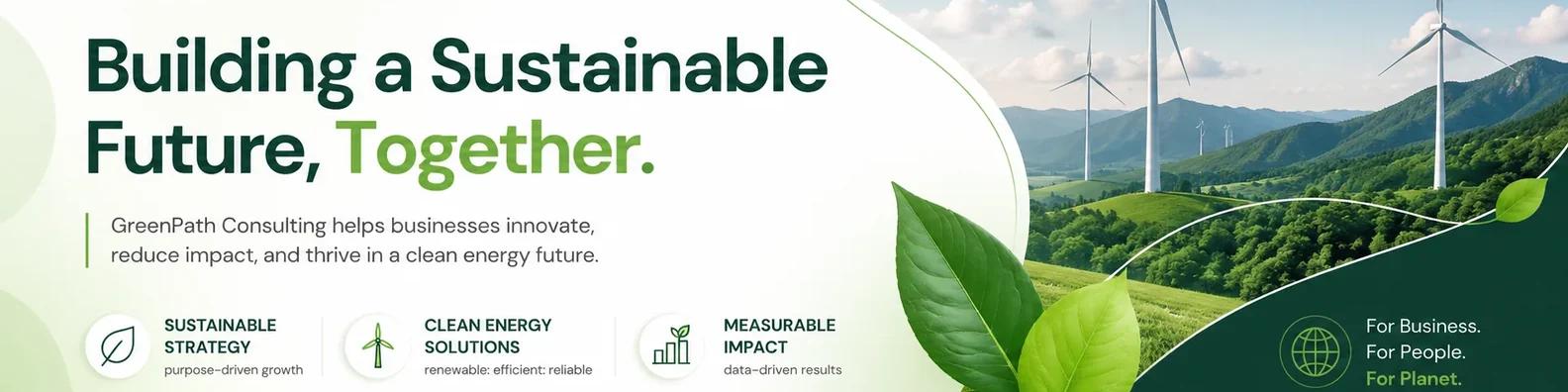
If your business is connected to sustainability, outdoor products, wellness, travel, farming, energy, or environmental work, a nature banner can directly support your positioning.
Design tip: Pair the image with a clear industry-specific message.
8. Outdoor lifestyle visual
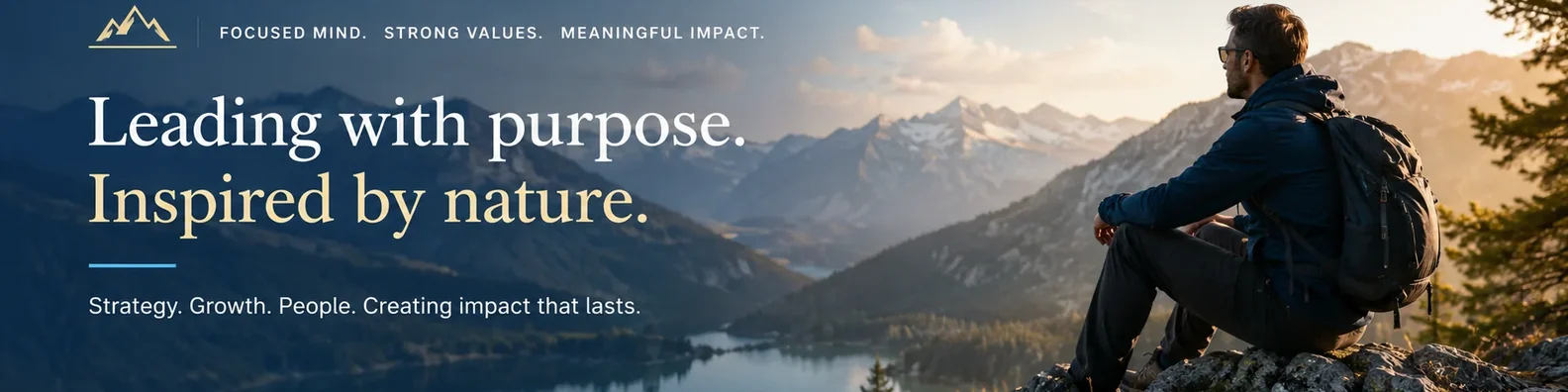
If being outdoors is part of your identity, use a professional lifestyle image that shows the kind of environment you enjoy. This can create a conversation starter while still keeping your profile polished.
Design tip: Make sure the image feels aligned with your work, not just your weekend hobby.
How to make this style work on LinkedIn
No matter which idea you choose, keep the design simple enough to read at a glance. Avoid placing important text close to the edges because LinkedIn can crop banners differently on desktop and mobile. Use strong contrast between the text and background, and keep your main message short. If you include a logo, website, or call to action, make it secondary to the main headline.
It is also worth checking your banner after uploading it. Open your profile on desktop and mobile to make sure the important parts are still visible. A design can look perfect in a design file but feel too tight once it appears inside LinkedIn.
Final thoughts
Nature LinkedIn cover photos are most effective when they feel calm and intentional. Choose visuals that support your values, industry, or personal brand while keeping the design clean and readable.
If you want a cover photo that matches your brand and fits the LinkedIn layout properly, a custom design can help you turn this space into a useful part of your profile instead of leaving it blank or generic.